Opportunity Goals - Opportunity Goals Tab
The Opportunity Goals tab is used to review the progress toward meeting opportunity goals. Opportunity goals are dealer-defined goals regarding the number of prospects to add or contact during a selected time period.

|
To access the Opportunity Goals tab, click the |
 (Opportunity Goals) icon on the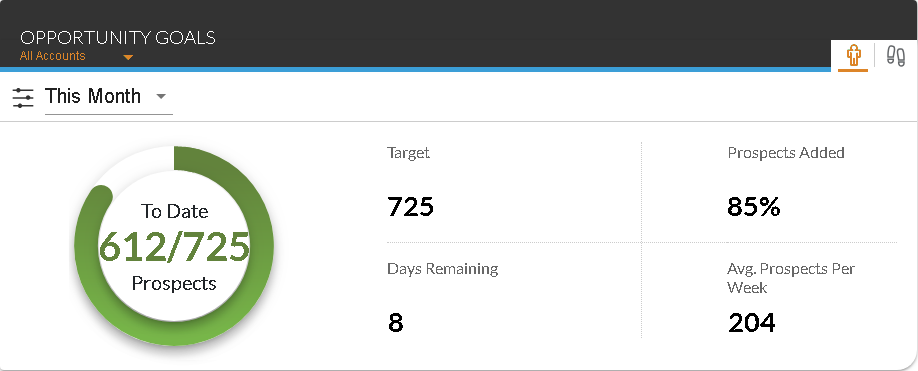
The overall progress toward meeting opportunity goals can be viewed in the To Date Prospects progress indicator. In addition, the time frame for which information displays on this tab can be changed using the unlabeled Time Frame field.
The following fields display on the Opportunity Goals tab.
Target: The target number of prospects to add during the selected time period displays. This goal can be defined on the Dealership Goals panel on the General Settings screen.
Prospects Added: The percentage of prospects added to the XtreamService application compared to the target goal displays.
Days Remaining: The remaining number of days during the selected time period displays.
Avg. Prospects Per Week: The average number of prospects added to the XtreamService application per week during the selected time period displays.
Click here for a list of products that may be mentioned in this help file.